Written by: WABA Connect Editorial Team
Reviewed by: WhatsApp Business API Specialist
Last Updated: November 05, 2026
Click-to-WhatsApp ads help businesses turn Facebook and Instagram ad engagement into direct conversations with potential customers. However, measuring clicks and incoming messages alone does not tell you how many conversations turn into qualified leads, sales opportunities, or paying customers.
To track Click-to-WhatsApp ads from ad click to qualified lead, connect campaign-level tracking with WhatsApp conversation records, lead qualification data, CRM stages, and conversion reporting. This helps businesses identify which campaigns generate meaningful sales opportunities rather than simply more conversations.
For businesses using WABA Connect, the objective should be to connect WhatsApp conversations with a measurable lead-generation process. The exact tracking setup depends on the advertising platform, website or CRM configuration, and the integrations available in your messaging workflow.
This guide explains how to build that tracking process, which metrics to measure, and how to identify the campaigns that deliver better-quality leads.
Click-to-WhatsApp ads conversion tracking is the process of measuring what happens after someone clicks an advertisement and starts a WhatsApp conversation.
Instead of stopping at ad clicks or message starts, it follows the customer journey through qualification, sales follow-up, and conversion.
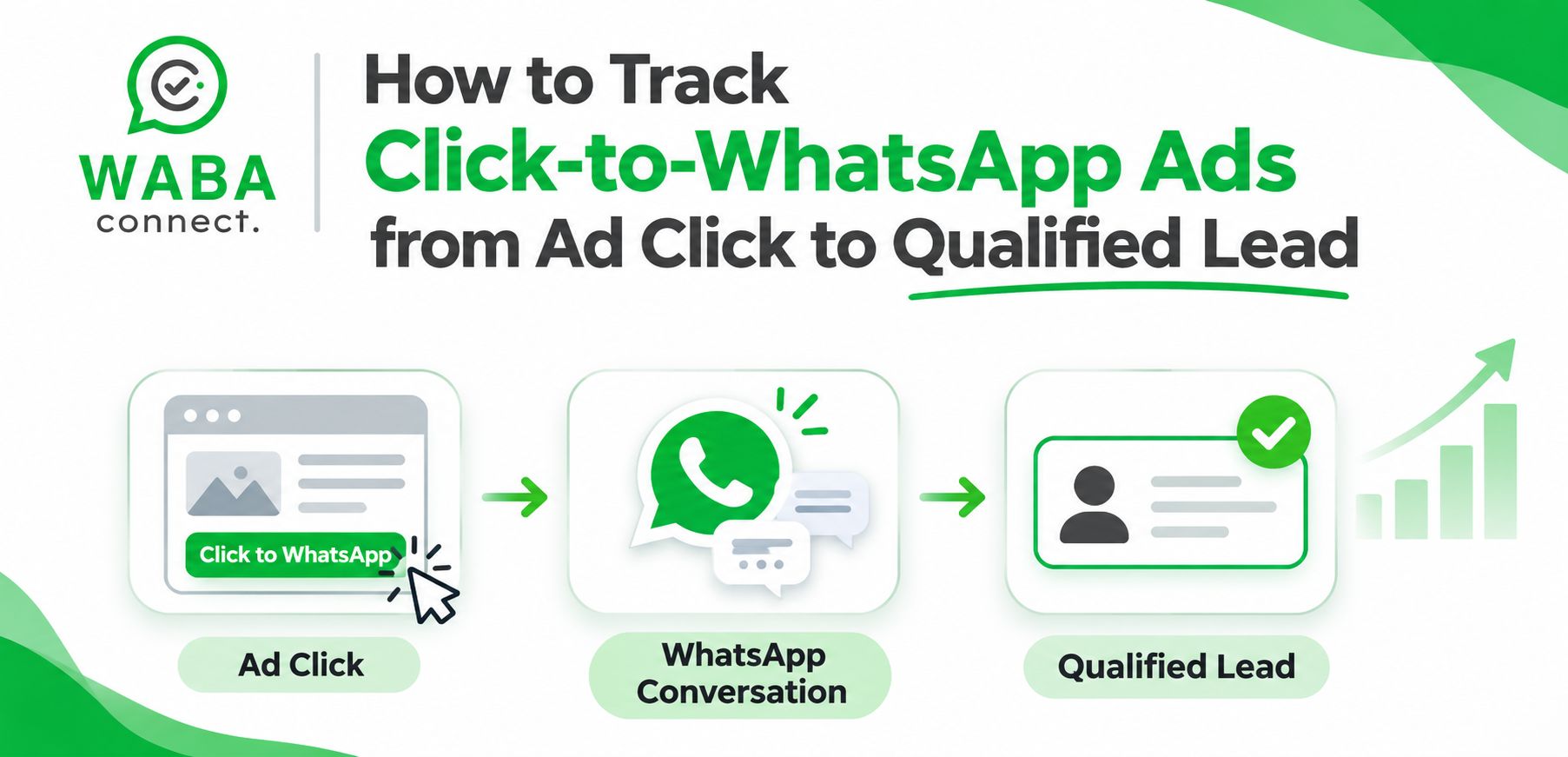
A typical tracking journey looks like this:
Ad impression → Ad click → WhatsApp conversation → Qualified lead → Sales opportunity → Customer
Each stage answers a different question:
Tracking these stages separately helps you understand where campaigns perform well and where potential customers drop off.
A campaign can generate many WhatsApp conversations without producing enough qualified leads. This often happens when advertisements attract people who are curious but not ready to buy, or when the business does not follow up effectively.
Proper tracking helps you:
For example, Campaign A might generate 100 conversations, while Campaign B generates 55. If Campaign A produces only five qualified leads and Campaign B produces 18, Campaign B may be the better investment despite its lower conversation volume.
The important metric is not always the number of conversations. It is the number and cost of qualified leads generated.
Start by creating a consistent naming system for campaigns, ad sets, and advertisements in Meta Ads Manager.
Use names that help your team understand the campaign’s objective, audience, location, and offer without opening every advertisement.
For example:
This structure makes campaign reporting easier and helps sales teams understand where leads originated.
Record the campaign, ad set, and ad identifiers wherever the available integration or tracking workflow supports them. IDs are especially useful when campaign names change.
In Meta Ads Manager, review the metrics available for your Click-to-WhatsApp campaign, including spend, impressions, clicks, messaging conversations started, and cost per result.
Use the exact metric definitions shown in the advertising account because link clicks, messaging conversations, and other reported results are not interchangeable.
At this stage, answer three questions:
Do not treat a click as a lead. A person may click an advertisement but never send a message, or may start a conversation without having a genuine purchase requirement.
Businesses running Click-to-WhatsApp campaigns can review the WABA Connect Click-to-WhatsApp Ads page to understand the platform’s relevant advertising and messaging offering.
Every incoming lead should have a source record wherever your setup permits it.
Useful fields include:
Field | Purpose |
Lead ID | Identifies the lead record |
WhatsApp number or contact ID | Connects the contact to the conversation |
Campaign ID or name | Identifies the advertising campaign |
Ad set and ad ID | Helps compare audiences and creatives |
First contact date | Records when the conversation began |
Lead status | Shows whether the lead is new, qualified, or converted |
Assigned salesperson | Identifies who is responsible for follow-up |
Conversion value | Records revenue or expected deal value when available |
The method used to capture campaign attribution depends on the campaign type and available platform features. Do not assume that every Click-to-WhatsApp conversation automatically includes all campaign identifiers in your CRM.
Where direct attribution data is unavailable, consider a documented fallback, such as campaign-specific opening messages, structured lead forms before the conversation, or an integration that supports the required referral data.
For example, different ads can use distinct opening prompts such as:
These prompts can help sales teams identify the likely campaign source, but they are a fallback rather than a replacement for reliable campaign identifiers.
A qualified lead is someone who meets your business’s predefined criteria for a potential sale. A WhatsApp message by itself does not make someone a qualified lead.
Define the criteria before launching your campaign.
For a real estate business, qualification criteria might include:
For a B2B software business, criteria might include:
For example, a software company may classify a contact as qualified when the person represents a relevant business, has a genuine use case, and is planning implementation within an agreed timeframe.
Keep qualification criteria consistent across campaigns. Otherwise, one campaign may appear to generate more qualified leads simply because the sales team uses different standards.
A CRM or structured lead tracker helps connect conversations with the sales pipeline.
Create a workflow that records the lead source, contact details, qualification status, assigned owner, follow-up activity, and eventual outcome.
A practical lead pipeline could include these stages:
Your team can use a CRM, a supported integration, or a structured spreadsheet workflow depending on business requirements. Confirm which fields and automation triggers your chosen setup actually supports before implementation.
WABA Connect’s WhatsApp integrations page is the relevant starting point for reviewing integration options. If you need team-level conversation management, the WhatsApp Shared Inbox page is also relevant to assigning conversations and coordinating follow-up. Verify the specific attribution and CRM-sync capabilities required for your workflow.
Once the sales team qualifies a lead, update the lead status in the CRM or tracking system.
Record the outcome consistently, including:
This information lets you compare advertising campaigns based on actual business results rather than early-stage engagement.
Where the advertising platform and integration support it, qualified-lead and conversion events may also be sent back to the advertising platform. Check the current Meta measurement options, event requirements, consent obligations, and integration capabilities before implementation.
Important: Do not assume that changing a lead’s status in a CRM automatically updates Meta Ads Manager. That requires a supported conversion-measurement setup.
Combine advertising spend with lead qualification and sales outcome data in one report.
Your dashboard should answer:
A simple dashboard can use Meta Ads Manager for advertising data and a CRM or reporting tool for lead and revenue data. GA4 can complement this reporting for relevant website activity, but it should not be assumed to capture every WhatsApp conversation or identify every lead’s campaign source automatically.
The following metrics provide a more complete view of Click-to-WhatsApp campaign performance.
Metric | How to calculate it |
Cost per conversation | Ad spend ÷ conversations started |
Lead qualification rate | Qualified leads ÷ total leads × 100 |
Cost per qualified lead | Ad spend ÷ qualified leads |
Lead-to-customer conversion rate | Customers acquired ÷ leads × 100 |
Customer acquisition cost | Attributable acquisition costs ÷ new customers |
Return on ad spend (ROAS) | Attributed revenue ÷ ad spend |
Use consistent definitions and time periods when comparing campaigns. If a campaign has not generated any qualified leads yet, its cost per qualified lead is not zero; it is not calculable for that reporting period.
The following figures are illustrative and show why lead quality matters.
Metric | Campaign A | Campaign B |
Ad spend | ₹10,000 | ₹10,000 |
Conversations | 100 | 55 |
Qualified leads | 5 | 18 |
Cost per conversation | ₹100 | ₹181.82 |
Cost per qualified lead | ₹2,000 | ₹555.56 |
Qualification rate | 5% | 32.7% |
Campaign A generates more conversations at a lower cost per conversation. However, Campaign B generates more qualified leads relative to its spend.
This comparison suggests that Campaign B may be the stronger lead-generation campaign, provided the leads are assessed consistently and the reporting period is comparable.
Problem: The advertising report shows message volume but not sales-ready prospects.
Solution: Define qualification criteria and make lead-status updates part of the sales team’s process. Report cost per qualified lead alongside cost per conversation.
Problem: Sales teams receive WhatsApp enquiries but cannot identify the campaign that generated them.
Solution: Check available referral or campaign metadata, integration capabilities, and lead-capture workflows. Use a structured fallback when direct attribution is unavailable.
Problem: Meta Ads Manager and the CRM report different totals.
Solution: Check attribution windows, time zones, duplicate records, event definitions, reporting delays, and whether the systems count conversations and people differently. Establish one reporting definition for each metric.
Problem: The business knows that a conversation started but cannot tell whether the person became a qualified prospect or customer.
Solution: Assign an owner, define follow-up responsibilities, and require a lead status and outcome to be recorded.
Problem: The team focuses on cheap conversations even though many contacts do not qualify.
Solution: Review lead quality and conversion outcomes. Where supported, use appropriate downstream conversion signals to inform campaign optimization rather than relying only on the initial conversation metric.
WABA Connect is relevant to businesses that want to manage WhatsApp Business messaging, team conversations, and integration workflows as part of their customer acquisition process.
When evaluating WABA Connect for Click-to-WhatsApp lead tracking, confirm that your planned setup supports the fields, CRM connection, automation triggers, and conversion reporting your team needs. These details depend on the specific integration and configuration.
Start with the Click-to-WhatsApp Ads page to review the relevant offering. You can also review WABA Connect integrations and the WhatsApp Shared Inbox to assess how integrations and team conversation management fit your process.
For businesses that want to evaluate their requirements before implementation, book a demo with WABA Connect.
Track advertising performance in Meta Ads Manager, capture the source of each WhatsApp lead where supported, record qualification status in a CRM or lead tracker, and measure downstream conversions. A complete setup may require a supported integration or conversion-event workflow.
GA4 can track relevant website interactions when the required tracking is implemented, but it does not automatically capture every WhatsApp conversation initiated through a Click-to-WhatsApp ad. Use advertising-platform data and appropriate CRM or messaging records to measure the wider lead journey.
Divide the advertising spend for the reporting period by the number of qualified leads attributed to that spend. For example, ₹10,000 spent to generate 20 qualified leads gives a cost per qualified lead of ₹500.
Cost per conversation measures the advertising cost of starting conversations. Cost per qualified lead measures the advertising cost of generating prospects who meet your qualification criteria. The second metric is generally more useful for evaluating lead quality.
Potentially, yes. The available method depends on the business’s CRM, supported integrations, event setup, and current Meta requirements. Validate the technical implementation and privacy requirements before relying on downstream events for campaign optimization.
Review spend and conversation performance regularly, and review lead quality and sales outcomes on a consistent reporting schedule. Allow enough time for leads to progress through your sales process before making major budget decisions.
Tracking Click-to-WhatsApp ads effectively means measuring more than clicks and conversations. Businesses need a consistent way to connect advertising activity with WhatsApp enquiries, qualified leads, sales opportunities, and customers.
By combining Meta Ads Manager reporting with lead qualification, CRM records, and reliable attribution methods, businesses can identify which campaigns generate meaningful opportunities and make more informed budget decisions.
WABA Connect can be part of this workflow, depending on the integrations and capabilities required. Review the Click-to-WhatsApp Ads solution and relevant integration options to determine the right implementation for your business.
ENQUIRY NOW
For more information about the WhatsApp Business API solutions we provide, call now. Let’s together unlock the full potential of WhatsApp for your business.
Related articles
info@wabaconnect.com
+91 799 135 8888