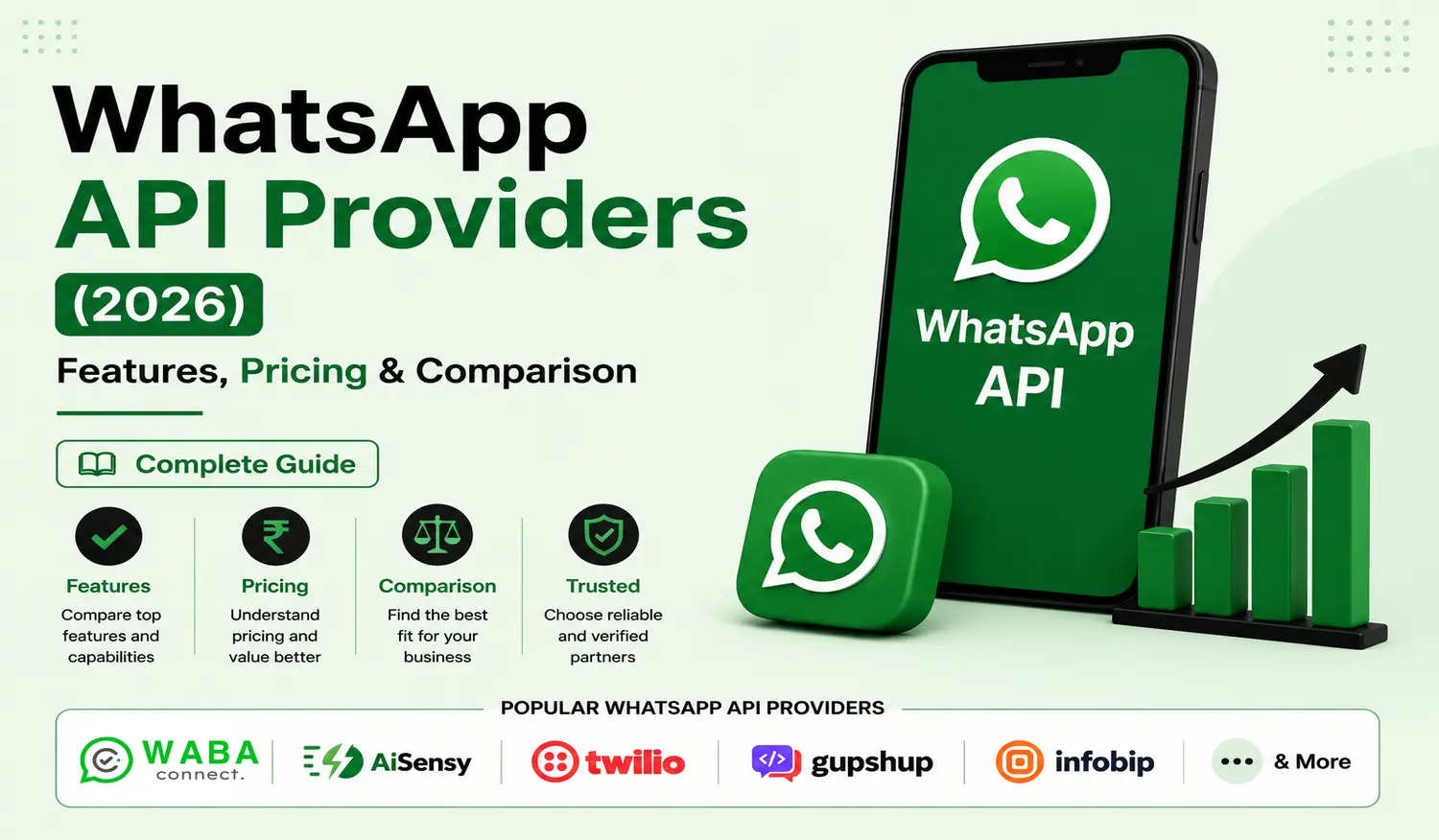
Reaching out to people and making them get your services and products is a real deal, to say the least. In the past, there was SMS marketing and then e-mail outreach. But in this economy, they are of little to no use. Now, there are better ways to communicate with your customers and market your products than to get spam listed in the SMS app. There are over 800 million users of WhatsApp in India alone. And with the WhatsApp business app, you can do basic customer management. But if you upgrade to a WhatsApp Business API provider, that is a different game in marketing. You see, companies use these WhatsApp APIs to send bulk promotional messages to targeted people for marketing, and service messages for their customers. It is very effective because most people use WhatsApp for texting. The WhatsApp API platform unlocks features like shared inboxes, automation, integration of the brands’ existing Customer-Relationship Management (CRM), and other e-commerce tools with business messaging. With all that being said, choosing a good provider can be hard if you don’t know about the ins and outs of business messaging. This blog will teach you about the pricing structure, what to look for in a WhatsApp API provider, and the top providers in India.
To know what a WhatsApp Business API Provider is, you need to know in depth what a WhatsApp API is. A WhatsApp Business API (Application Programming Interface) for WhatsApp Business Messaging is a medium for businesses to reach people (targeted) for marketing, giving service and delivery updates, bulk messaging, automation, AI chatbots, and basically communicating with the existing and potential customers. This WhatsApp Business API takes a request from you (the business) and delivers the message to the people. It is a tool used to talk between two separate software programs, without the need for a person in between. Businesses use partnered WhatsApp APIs to integrate their CRM and send secure messages. WhatsApp Business App is primarily designed for small businesses, while WhatsApp Business APIs are mainly used by large and medium enterprises. With these WhatsApp Business API providers, you can have multiple agents communicating with customers at the same time in a single business number. And the providers like WABA Connect, Wati, and Twilio do exactly that, they provide WhatsApp APIs for Bulk Business messaging.
The customer must first agree to receive messages. That agreement is called opt-in. For sending anything outside an active chat, you need pre-approved templates. Once a person replies, a session opens. Inside that window, you can send almost anything freely. Multiple team members share one inbox and reply without stepping on each other. Bots handle routine questions automatically. When a human needs to step in, the switch happens smoothly. Linking up with a CRM means a support person can see what someone bought earlier or whether they opened a ticket before. That information shows up right there during the chat. No jumping between different tools or losing track of past talks.
Aspect | WhatsApp Business App | WhatsApp Business API |
Who it is for | Small shops, solo owners, one person handling chats | Larger teams, growing companies, and businesses need automation |
Number of users | One person per device | Many agents can reply from the same number |
Device requirement | A single phone with an active SIM | Works on servers or cloud platforms without a physical phone |
Message limits | Lower volume before restrictions appear | Built for high throughput and larger daily sends |
Automation ability | Very basic, quick replies only | Full bot support plus connections to CRMs and websites |
Shared team inbox | Not available | Yes, multiple people see and reply to the same conversation |
People asking for help get quicker answers because your whole team can jump in from the same number. Sending offers or news to a large crowd becomes doable without much hassle. You can set up automatic replies for boring, repeated questions. Order updates or reminder notes go out by themselves without someone typing each one. Your staff works better together since everyone sees the same chat history and can leave small notes for each other. All of this makes running things feel a little less messy day to day.
Overview
WABA Connect usually comes into the picture when WhatsApp stops being just a chat tool and starts becoming an actual business channel. It’s built for teams that are already dealing with a steady flow of customer conversations and need something more organized than handling everything manually.
Instead of separating tools for messaging, automation, and inbox management, it tries to keep things under one roof. That’s often why agencies and growing businesses tend to look at it when their communication starts getting messy across teams.
Best For
It tends to fit businesses that are scaling, especially e-commerce setups, agencies, and service-based companies that need multiple people handling the same WhatsApp number without confusion.
Key Features
You get the usual WhatsApp Business API setup, but what actually gets used day-to-day is the shared inbox where conversations don’t fall through the cracks. There’s automation for routing chats, basic chatbot flows, broadcasts for campaigns, and CRM integrations, depending on how deep the setup goes.
It’s not trying to reinvent messaging, more like keeping it usable when volume goes up.
Pricing
Utility messages: ₹0.12 – ₹0.18
Marketing messages: ₹0.85 – ₹0.95
Authentication messages: ₹0.12 – ₹0.18
Pros
Works fairly well once things start scaling. The shared inbox setup makes coordination easier than juggling phones or spreadsheets. It also doesn’t force you into a rigid structure too early.
Cons
Not much is visible upfront in terms of pricing, which can slow down comparison. Some setups also need onboarding help, depending on how complex the use case is.
Overview
AiSensy is one of those platforms that leans heavily into WhatsApp marketing rather than infrastructure complexity. You can tell it’s built for teams that care more about sending campaigns and tracking engagement than building custom systems. It’s quite common among Indian D2C brands and small businesses that just want to start running WhatsApp campaigns without too much technical setup.
Best For
Marketing teams, online stores, and smaller businesses that mainly want WhatsApp for promotions and lead generation.
Key Features
Broadcasts are at the center of it. Alongside that, there’s a chatbot builder that doesn’t require coding, a shared inbox, automation for basic flows, and a dashboard that shows how campaigns are performing.
It stays fairly straightforward, which is probably why it’s popular with non-technical users.
Pricing
Utility messages: ₹0.15 – ₹0.25
Marketing messages: ₹0.85 – ₹1.05
Authentication messages: ₹0.15 – ₹0.25
Pros
Easy to get started, and campaign setup doesn’t take long. The interface is fairly direct without too many layers.
Cons
As workflows get more complex, it can feel a bit limited. Not really built for deeper operational systems.
Overview
WATI is more about structuring conversations than running campaigns. It’s often used by teams that handle a lot of incoming customer messages and need some order in how those conversations are managed. It sits somewhere between a support tool and a messaging system, depending on how it’s used.
Best For
Support-heavy teams, service businesses, and companies dealing with continuous customer queries.
Key Features
The shared inbox is usually the main part that people rely on. On top of that, there are automation flows, chatbot support, CRM integrations, and ways to assign conversations across agents.
It’s built to reduce chaos more than anything else.
Pricing
Utility messages: ₹0.18 – ₹0.30
Marketing messages: ₹0.90 – ₹1.20
Authentication messages: ₹0.18 – ₹0.30
Pros
Helps keep conversations organized when volume increases. Integrations are also fairly solid for most common setups.
Cons
Pricing and usage can scale quickly, especially when teams grow or message volume increases.
Overview
Interakt is fairly clearly positioned around WhatsApp commerce. Most of its use cases revolve around order updates, customer communication, and keeping e-commerce workflows tied together inside WhatsApp. It’s not trying to be too broad, and that actually works in its favor for online sellers.
Best For
E-commerce brands, D2C sellers, and small businesses that run most of their customer interaction through WhatsApp.
Key Features
Shared inbox, catalog sharing, automated order updates, customer tagging, and basic workflow automation. It’s mostly focused on keeping sales-related communication smooth.
Pricing
Utility messages: ₹0.15 – ₹0.28
Marketing messages: ₹0.88 – ₹1.15
Authentication messages: ₹0.15 – ₹0.28
Pros
Easy to use and aligns perfectly with online sales cycles. It doesn’t take long to get running.
Cons
Not really built for complex automation or enterprise-level requirements.
Overview
Gallabox leans more into automation compared to some of the other tools. The idea is less about manual chatting and more about setting up flows that handle repetitive conversations in the background. It’s often picked when businesses start feeling like their WhatsApp inbox is repeating itself too much.
Best For
Teams that want to automate customer interactions, especially service-based businesses and support-heavy setups.
Key Features
Workflow builder, chatbot automation, shared inbox, and CRM integrations. There’s also basic reporting to see how conversations are moving. It’s more about reducing manual effort over time than managing conversations live.
Pricing
Utility messages: ₹0.18 – ₹0.30
Marketing messages: ₹0.90 – ₹1.20
Authentication messages: ₹0.18 – ₹0.30
Pros
Good automation capabilities without needing technical development. Works well once workflows are properly set up.
Cons
It takes some time to configure properly if you’re new to automation logic.
Overview
Twilio isn’t really a WhatsApp platform in the usual sense. It’s more like the infrastructure layer behind messaging systems. Developers use them to build their communication systems, and this WhatsApp Business API is what they need.
Best For
Development teams who build custom systems from the beginning rather than click to launch setup.
Key Features
Direct WhatsApp Business API access, global infrastructure, and support for multiple communication channels like SMS, voice, and messaging. It’s flexible, but very much a build-it-yourself environment.
Pricing
Utility messages: ₹0.20 – ₹0.40
Marketing messages: ₹0.95 – ₹1.50
Authentication messages: ₹0.20 – ₹0.35
Pros
Extremely flexible and scalable. You can build almost anything on top of it if you have the technical team.
Cons
Not usable for non-technical teams without development support.
Overview
Gupshup operates more in the high-volume messaging space. It’s used by larger businesses that don’t just send messages occasionally, but rely on messaging as part of daily operations. It feels more enterprise-oriented than most tools in this list.
Best For
Large Brands who handle high volumes of messages.
Key Features
WhatsApp API for business messaging, automation tools like the ability to have fixed automated responses, and the integration of AI chatbots
Pricing
Utility messages: ₹0.18 – ₹0.35
Marketing messages: ₹0.90 – ₹1.25
Authentication messages: ₹0.18 – ₹0.35
Pros
Their main pro is that they have better scalability.
Cons
Not very beginner-friendly, and pricing isn’t transparent.
Overview
360dialog is more of a direct access layer to WhatsApp rather than a full platform. They are usually preferred by brands with separate teams in development.
Best For
WhatsApp Business API-first companies with a dedicated development team for the backend
Key Features
They provide WhatsApp Business API access directly . Integration with external tools is very easy.
Pricing
Utility messages: ₹0.13 – ₹0.22
Marketing messages: ₹0.82 – ₹1.05
Authentication messages: ₹0.13 – ₹0.22
Pros
Lightweight and flexible if you already have your own stack.
Cons
Not a complete platform on its own, so you’ll need other tools around it.
Overview
Route Mobile sits firmly in the enterprise communication space. It’s used by large organizations where messaging is more about infrastructure reliability than day-to-day marketing use.
Best For
Enterprises and telecom-scale operations.
Key Features
WhatsApp Business Messaging APIs along with other automation tools, for better communication.
Pricing
Utility messages: ₹0.20 – ₹0.35
Marketing messages: ₹0.95 – ₹1.30
Authentication messages: ₹0.20 – ₹0.35
Pros
Very reliably when scaling the marketing across India
Cons
They are not ideal for SMEs without a development team.
WhatsApp Business API pricing is built around how conversations happen instead of charging for every single message. The cost structure mainly includes Meta’s conversation-based billing, fees from the platform provider, and any extra spend on automation or chatbot systems a business decides to use.
Meta’s charges are based on conversation sessions. A conversation is a 24-hour interaction window between a business and a customer. Once that window starts, all messages exchanged inside it fall under one billing unit instead of being counted individually. These conversations are grouped as marketing, utility, authentication codes, and service messaging. Each category has different pricing.
A key concept is the customer service interaction period. When a user sends a message to a business, a free reply window opens. Throughout this timeframe, companies can message back and forth without incurring new fees for each individual response. In real-world use, most setups view this as a fairly open interaction window that may stretch as long as 72 hours under specific conditions. This is especially true when continued input from the person keeps the conversation alive. For the messages that fall under service type, you don’t need to pay. These are typically cost-efficient because the user has already opened the conversation. On the other hand, outbound notifications sent without a prior user message often fall into template-based communication and may start a billable session depending on timing and category rules.
Alongside Meta’s billing layer, there are platform subscription charges. These come from Business Solution Providers who offer access to the WhatsApp Business API along with dashboards, inbox tools, integrations, and workflow features. What they charge shifts depending on capabilities, how many people use it, the amount of messages handled, plus extra offerings like analytical tools or linking with CRMs.
Then there’s another expense: bots or automation systems. Plenty of companies deploy these to take care of repetitive conversations, like where a package is, answering common questions, setting up appointments, or gathering potential leads. Such setups might be put together using outside bot creators or built from the ground up with code. Costs in this area could include subscription fees for software, paying for AI model access, hosting infrastructure, plus long-term care.
Different messaging types exist inside WhatsApp Business Messaging. A customer starting the conversation is generally free. Responses by the company that fall inside the active window are session-based. Then there are template messages, which are preapproved structures for alerts or reaching out after the live chat window closes, frequently used for things like shipping updates or reminders. Buttons, quick response choices, and arranged lists make exchanges easier and cut down on how much someone needs to type.
Choosing among different WhatsApp API providers is not a simple box-checking exercise. The decision ends up touching how your organization communicates day to day with people on the other side of the screen. Each platform brings its own set of strengths.
Below are some capabilities worth looking at while you compare what is out there.
1. An Official Tie-Up With Meta
A provider that holds an official status with Meta tends to stay aware of rule shifts and updates sooner. That kind of relationship also gives them a direct line to ask questions when something unexpected occurs. For a business wanting a stable messaging channel over many months, this adds a helpful layer. Without this official label, you could miss early notices about upcoming changes or brand new features before they arrive.
2.Broadcast Style Messaging
Reaching many contacts at once is something a lot of expanding companies end up needing. Sending out updates, offers, or announcements in bulk becomes easier with proper broadcast abilities. A decent provider makes this less of a headache. Many of them also support personal additions like pulling in a customer’s first name or mentioning a prior purchase. That small touch helps your outgoing messages feel more like natural talking and less like loud advertising.
3.Chatbots Driven by AI
Handling each conversation by a real person gets harder once your incoming volume climbs. Smart chatbots can step in for common questions like when your shop opens, how returns work, or where a shipment currently sits. That shift lets your people concentrate on trickier requests. A solid provider gives you building blocks to design conversation paths without needing a lot of coding skill. The nicer setups also allow a smooth handoff from machine to human when a situation calls for a warmer personal approach.
4.An Inbox That Several Agents Can Share
When multiple employees answer customers from the same phone number, confusion tends to sneak in. A shared viewing space keeps things from falling apart. You can spot which discussions are still active, who is handling which chat, and what has already been finished. These kinds of features help your group move together without bumping into each other.
5.Link Ups With CRM Systems
Connecting WhatsApp to your current CRM means each chat gets stored under the correct contact record without extra work. Your people can then look up past orders, previous support tickets, or stated preferences right inside the conversation window. That turns a simple exchange into a more aware and useful interaction. Most decent providers offer connections with well-known CRM tools like HubSpot, Salesforce, or Zoho. Some even provide custom paths for less common databases.
6.Straight Access Through a WhatsApp Business API
For companies with unusual needs, having direct WhatsApp API access becomes very important. This lets your developers connect WhatsApp Business Messaging into the brand’s website, phone app, or behind-the-scenes systems. Those resources make the development process far less painful. Without proper WhatsApp Business API access, you may find yourself stuck with whatever features the provider offers straight out of the box.
7.Looking at Numbers and analytics
A reporting panel can show you message counts, open rates, how fast replies go out, and how talks move between bots and humans. Some platforms even break down what topics come up most often or gather simple customer feedback. Those figures help you see what is performing well and where your group could get better over time. Having that information close at hand makes it easier to defend your WhatsApp spending to other leaders in the company.
8.Blue Check Mark
Everyone wants to know whether a message reached someone and got looked at. Some providers offer small assists around delivery tracking and read receipt visibility. They might recommend better times to send things or give you delivery status down to the device level. That gives you a clearer picture of how your messages are doing without asking customers to change any of their own settings. It is a small but nice ability for teams that depend on messages arriving on time.
9.Customer Support team for 24/7
When something goes wrong with the businesses’ messaging channel, having a support team is really important. So make sure that your provider has 24/7 customer service. Some even assign a dedicated account person for larger plans. Good support from your provider means less downtime for your business and faster fixes when unexpected problems pop up out of nowhere.
Healthcare
Doctors’ offices have their own set of routine communications. Someone schedules a checkup online. Within seconds, a message arrives with the date, the doctor’s name, and what to bring. A day or two before, another message asks the person to reply with “confirm” or “change”. For lab work, the facility pushes a notice that results are ready along with a secure place to view them. Some therapy practices send a quick rating scale between sessions, something like “on a scale of one to five, how has your week been?”
Sales
Sales teams move leads along faster with WhatsApp. After someone downloads a brochure, a salesperson sends a short note within an hour. During a product trial, an automatic reminder goes out a few days before the trial ends, offering a quick call to discuss pricing. Sharing a quote directly through the app works well, too. The customer sees the number and a payment link without switching screens. Real estate agents send a property summary with photos after a showing and ask if the person wants to start paperwork.
Finance
Banks focus on safety and speed. A person swipes a card at a store. Moments later, a notification appears showing the amount and the shop name. If the transaction happens in an unusual location, an extra alert asks the account holder to reply with yes or no. For balance checks, someone simply texts a short code like “bal” and receives a quick readout of available funds. Some credit unions send payment reminders a few days before a bill comes due with the remaining amount.
Travel
Airlines and hotels deal with changing plans. A flight delay update goes straight to a passenger’s phone. A hotel sends the room number and door code before arrival, so no stop at the front desk is needed. Tour operators create simple bots that answer questions like what to pack or what the cancellation policy looks like. Car rental companies send a reminder a day before pickup with instructions for where to find the key. Some booking platforms also push last-minute deals to users who have searched for a destination but have not booked yet.
Make sure the company you pick has a real partnership with Meta. That saves you from sudden rule changes later. Also, test their customer service before you pay. Send an email or a chat message. If they are slow to reply when you are just asking questions, do not expect them to be faster after you sign up. See if they let you try things out for free. Use that time to poke around. Send test messages. Build a very simple bot. Check how fast their dashboard loads. Small annoyances like laggy buttons or buried settings become big problems later. Pricing is never as simple as it looks. Some ask for money per conversation. Others count how many people use the system. A few surprise you with fees for extra seats or too many WhatsApp Business API calls. Ask for a full list of charges before you agree to anything. If you want a solid pick, WABA Connect does a good job. They have an official Meta link, a clean shared inbox, basic bot builders, and proper WhatsApp API docs. Their team answers quickly. Agencies get white-label access too. A lot of users have said positive things.
No single answer works for everybody. Your team size, skill level, and budget all play a part. List what you actually need. Try two or three options if free trials exist. Read what other customers say. WABA Connect belongs near the top of your list. Spending a little time comparing now stops a lot of headaches later.
ENQUIRY NOW
For more information about the WhatsApp Business API solutions we provide, call now. Let’s together unlock the full potential of WhatsApp for your business.
Related articles
info@wabaconnect.com
+91 799 135 8888